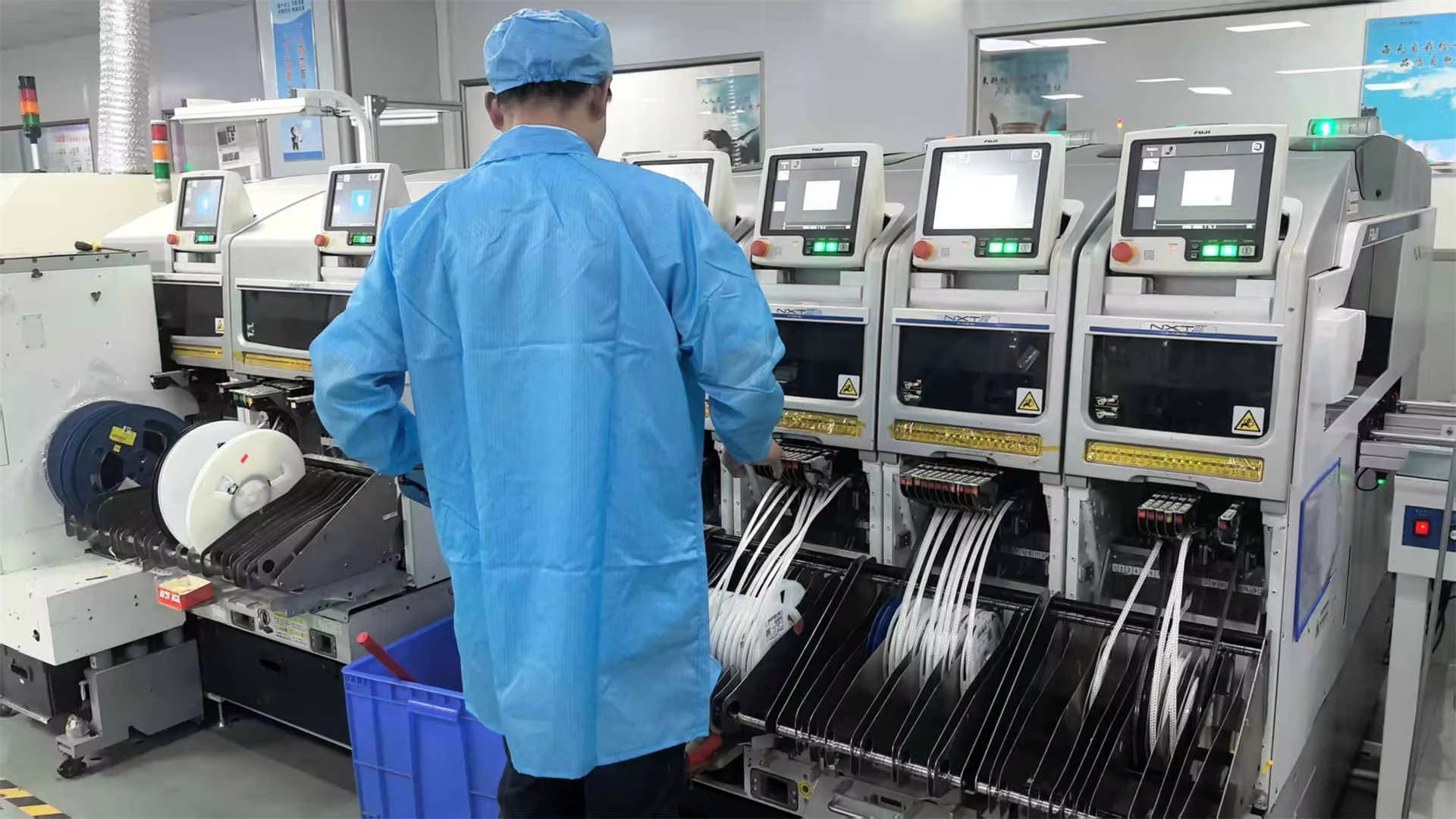
The first thing anyone should do is make a detailed list of every component connected within their industrial computer setup. According to recent research from PCC Port back in 2023, around seven out of ten upgrade attempts run into problems because new equipment doesn't work well with older controllers. That's why it makes sense to map out how data actually flows through the system. Look at those important connections between PLCs, various sensors, and different control panels. This kind of preparation helps prevent issues where signals get messed up or timing gets thrown off after making changes to the network infrastructure.
When looking at CPUs, check how your current one stacks up against newer models in terms of clock speed, number of cores, and thermal design power (TDP). Tech experts often suggest matching processor specs with what old software actually needs by running some benchmark tests. This helps keep things responsive when applications are running live. Don't get too caught up in those flashy peak speed numbers either. What really matters is how well the CPU handles work over time, especially when systems are under normal operating conditions and not just during short bursts of activity.
| Memory Factor | Compatibility Check |
|---|---|
| Type | Match DDR generation (DDR3/DDR4) |
| Capacity | Verify max supported RAM per slot |
| Speed | Align MHz rating with motherboard limits |
Industrial PCs often require error-correcting code (ECC) memory for mission-critical operations—confirm ECC support is available and enabled before upgrading to prevent silent data corruption in control systems.
Legacy industrial computers frequently use ISA slots (16-bit) for specialized I/O cards. When replacing these systems, test modern PCIe alternatives using bridging adapters, but validate that interrupt request (IRQ) assignments do not conflict with existing sensor networks or cause latency spikes during high-throughput operations.
Create a compatibility matrix comparing legacy software requirements with modern OS architectures. For Windows XP-era applications, consider hypervisor-based virtualization to preserve original runtime environments while enabling access to security updates and modern networking features without rehosting the entire application stack.
Every industrial computer upgrade in live production environments requires meticulous planning to avoid costly downtime. Document hardware configurations, software dependencies, and communication protocols across connected devices. Implement automated daily backups of control parameters and PLC logic, paired with pre-verified disk imaging for rapid restoration if issues arise during deployment.
A good idea is to replace systems in stages rather than all at once. Start with those parts of the system that aren't so important first, check how they work together, then move on to the really critical control components later. When doing this, techs get to see exactly how these new industrial computers stack up against old ones in actual operation situations without hurting day to day operations. And there's something else worth mentioning too – using containerized software setups helps keep test runs separate from what's actually running in production right now. This gives everyone peace of mind knowing nothing will go wrong during the testing phase.
A proven method involves operating legacy and modern industrial computers simultaneously through:
According to a 2024 industry report, manufacturers using this model reduced unplanned downtime by 52% compared to full-system replacements. The parallel operation period—typically 2–6 weeks depending on complexity—provides a safety net for resolving integration issues without impacting output.
Before doing any system upgrades, it's really important to check through all those software licenses first. Make sure they actually work with the new hardware setup we're planning on implementing. A lot of people forget this step and run into trouble later. The licenses might let us move them between devices or need some kind of reactivation process. According to industry reports from last year, about 35-40% of older industrial programs have authorization issues when companies switch out their hardware. That can be a real headache during critical operations. We should also keep safe copies of all license keys stored separately from our main systems. And don't forget to run those checksum checks both before installing new software and again after everything is set up. It helps catch any corruption problems early on.
Assess whether legacy software can operate on modern systems via compatibility layers or requires redevelopment. Prioritize updates for mission-critical applications; studies show software modernization reduces unplanned downtime by 26% in upgraded industrial PCs. For applications dependent on outdated interfaces, containerization isolates legacy code while allowing integration with current infrastructure.
When updating firmware on industrial computers, it's best practice to use write protected media as this significantly reduces the risk of data corruption during the upgrade process. Before rolling out new drivers across the board, companies should test them first in stages. Each input/output card and peripheral needs thorough checking under realistic workloads that mirror what happens on the factory floor day to day. Older equipment presents special challenges where full hardware replacement isn't always feasible. That's when implementing SHA-256 verification becomes important for authenticating firmware updates instead of replacing entire systems. Maintenance windows should be planned carefully around periods when production activity naturally slows down. This allows IT teams to install critical security patches without compromising the operational goal of keeping systems running at least 95% of the time.
Legacy industrial computers often run on unsupported operating systems and firmware, with 68% of manufacturing sites still relying on Windows XP in critical roles (Industrial Cybersecurity Report 2023). These systems typically lack encrypted communications and role-based access controls, creating exploitable gaps in network defenses that increase exposure to cyber threats.
Security can be upgraded without tearing apart old systems through methods like network segmentation and protocol validation gateways. The NIST Cybersecurity Framework actually mentions something similar when talking about compensating controls that let organizations keep exchanging data securely even as they maintain their current operational logic. According to Paul Shaver who leads cybersecurity practices at several firms, physical separation of networks combined with smart detection techniques really works wonders for protecting essential operations without needing complete system replacements. Most companies find this approach much more practical than trying to replace everything at once.
Use risk-based prioritization to schedule patches during planned maintenance windows. Facilities employing phased update strategies report 40% fewer unplanned outages than those relying on emergency patching (Operational Technology Journal 2024), effectively balancing production continuity with evolving threat protection.
Establish segregated test environments to evaluate hardware upgrades without affecting live operations. Industry research indicates that 74% of operational failures stem from untested component interactions, underscoring the need for protocol simulations. Best practices include replicating real-world network conditions and using virtualized I/O interfaces to stress-test legacy compatibility thoroughly.
Stress test upgraded systems under peak loads to uncover hidden bottlenecks. Hardware-in-the-loop (HIL) simulations using MATLAB/Simulink models validate real-time response thresholds while preserving safety margins. Employ a three-phase benchmarking approach:
This ensures reliability under fluctuating operational demands.
Post-upgrade, conduct rigorous signal latency checks on legacy networks like Modbus or Profibus. Monitor cycle times during parallel operation to confirm deterministic responses remain within ±2% of legacy performance levels, preserving timing-sensitive control loops.
Log failure modes from every test iteration using templates aligned with IEC 61508 standards. Maintain synchronized backups of both legacy and upgraded configurations to enable sub-15-minute recovery via pre-configured system images when critical thresholds are breached.
Modernized industrial computers unlock scalable IIoT capabilities through OPC-UA integration, enabling predictive analytics on thermal profiles and component wear. Phase deployment models support gradual expansion of sensor networks while maintaining compliance with legacy uptime requirements.
What is the first step before upgrading industrial computers?
The first step is to make a detailed list of every component connected within the industrial computer setup, ensuring you map out how data flows through the system.
Why is matching CPU performance with software requirements important?
It's important because it keeps applications responsive when running live, ensuring performance is adequate over time under normal operating conditions.
Can I upgrade memory without checking compatibility?
No, ensure the memory type, capacity, and speed are compatible with the industrial PC's requirements to prevent data corruption and maintain operation integrity.
How do legacy operating systems affect security?
Legacy systems can increase cyber risk due to unsupported OS and inadequate controls; integrate secure communication layers to mitigate risks.
 Hot News
2026-01-29
2025-12-29
2025-11-27
2025-10-29
2025-09-22
2025-08-13

Copyright © 2025 by Shenzhen TOP MicroTech Technology Co., Ltd